What a Google Wallet loyalty card is
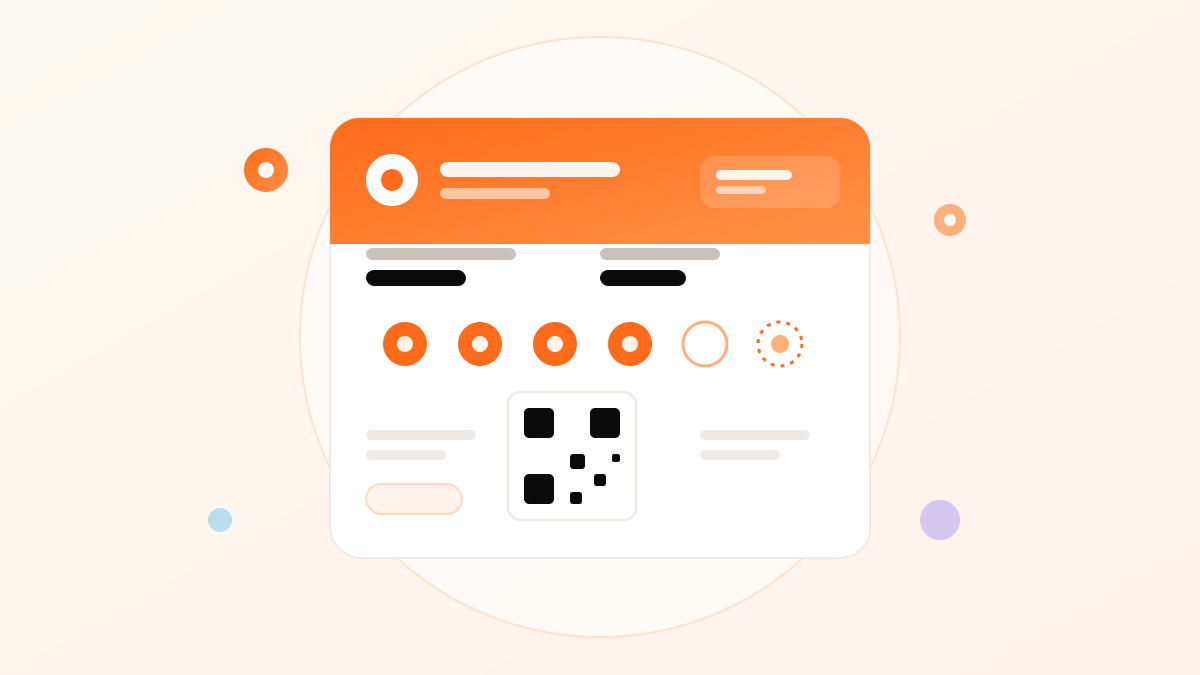
Google Wallet is the app that comes built into Android phones for holding payment cards, tickets, boarding passes and loyalty cards. A loyalty card in Google Wallet is a digital pass carrying your branding, the customer's points or stamps, and a scannable barcode — the Android counterpart to an Apple Wallet pass. Like its Apple equivalent, it's a live object, not a screenshot: it updates when scanned, can notify the customer, and lives permanently in an app they already have. And, just as importantly, adding it requires no app of yours — the customer saves your card into the Wallet Android already gave them.
Android's reach — the half of the market you can't ignore
Here's the number that makes Google Wallet non-negotiable: Android accounts for roughly half of smartphones in Saudi Arabia. A loyalty program that only issues Apple Wallet passes is, in effect, turning away one in two potential members at the door. That's not a rounding error — it's half your customer base unable to join. And Android's share skews toward important segments: value-conscious families, younger customers, workers across many sectors. Whatever your business, a large portion of the people you want to retain are carrying Android, and the only way to enrol them as smoothly as your iPhone customers is a Google Wallet card. Reaching both platforms isn't a nice-to-have; it's the difference between a program open to all your customers and one open to half.
"Save to Google Wallet" — enrolment in a tap
Joining is as frictionless on Android as on iPhone. The customer scans a QR code and taps a "Save to Google Wallet" button, and your card drops into their Wallet — no Play Store visit, no download, no account creation. This matters for the same reason it does on Apple: the moment you ask a customer to install an app and register is the moment most of them quit. By letting them save a pass into an app they already have, in seconds, Google Wallet keeps enrolment friction near zero and sign-up rates high. The customer is often already holding their phone to pay by the time you offer the card, which makes the whole thing effortless.
How the pass works
The mechanics mirror any wallet pass. The card has a front with your branding and the customer's balance and barcode, and a back with your details and terms. Staff scan the barcode to add points or a stamp, and because the pass is connected to your system, the update is instant and consistent across every branch. The customer opens Google Wallet — or taps the pass from a notification — and sees their current balance without any manual tracking or a separate app to maintain. It behaves exactly as customers expect from the boarding passes and payment cards already in their Wallet.
Geolocation notifications — presence on Android
Google Wallet passes can be set to surface a notification when a customer is near your location — the Android equivalent of Apple's lock-screen relevance. Configured well, a customer passing your shop can get a gentle, timely prompt that their card (and reward progress) is right there. This turns the loyalty card from something a customer has to remember into something that reminds them, at the moment they could act. Combined with milestone and reward notifications delivered through the pass, it gives a Google Wallet card the same "present at the right time" advantage over paper and un-opened apps that makes wallet loyalty work.
Google Wallet vs Apple Wallet — what differs
For a business, the two are more alike than different: both hold a branded loyalty pass, both enrol with a QR scan and no app, both update live and can notify the customer. The differences are mostly under the hood — the pass formats and developer systems differ (Google's pass platform versus Apple's PKPass), and each has its own design conventions and notification model. The practical implication is simple: you shouldn't have to think about any of it. A good loyalty platform generates and maintains both pass types from a single card you design once, so a customer gets the right pass for their phone automatically. The Apple-specific detail is in the Apple Wallet guide.
Why you need both — one card, both wallets
Because your customers are split roughly down the middle between Android and iPhone, issuing only one wallet type means excluding half of them from your loyalty program. The right answer isn't to choose — it's to run a single loyalty card that generates an Apple Wallet pass for iPhone users and a Google Wallet pass for Android users automatically. The customer scans one QR code and gets the correct pass for their device without thinking about it; you design and manage one card. This is the standard a modern loyalty platform should meet, and it's the only way to keep your program open to every customer regardless of the phone in their pocket.
How to create a Google Wallet loyalty card
As with Apple, you don't build the pass infrastructure yourself — a loyalty platform handles it. You choose stamps or points, add your branding and reward, and the platform issues a card that saves to Google Wallet (and Apple Wallet) via a QR code, with staff scanning to award points and the platform managing updates and notifications. With Niqati, one card covers both wallets, sets up in an afternoon, and needs no app from you or your customers. For the program design that goes on top — the reward math and mechanics by industry — see the Niqati blog and the complete loyalty guide.
Frequently asked questions
Why do I need Google Wallet if I already have Apple Wallet?
Because roughly half of Saudi smartphones run Android, and those customers can't use an Apple Wallet pass. Issuing only Apple Wallet turns away one in two potential members. A loyalty card that works in both wallets is the only way to keep your program open to every customer.
How does a customer save my card to Google Wallet?
They scan a QR code and tap 'Save to Google Wallet.' The card appears in their Wallet immediately — no Play Store visit, no download, no account. It's usually done in seconds while they're already at your counter, exactly like adding a pass on iPhone.
Can a Google Wallet card notify customers near my shop?
Yes. Google Wallet passes can surface a location-based notification when a customer is near your store, plus milestone and reward notifications through the pass. Used with good timing, this makes the card present itself at the moment a customer could act, which paper and un-opened apps can't do.
Is a Google Wallet card different from an Apple Wallet card for my business?
Barely. Both are branded loyalty passes that enrol with a QR scan, update live and can notify the customer; only the underlying pass technology differs. A good platform generates both from one card you design once, so you never manage them separately.
Can one loyalty card work in both Google Wallet and Apple Wallet?
Yes — that's the standard to look for. A single card should automatically give Android users a Google Wallet pass and iPhone users an Apple Wallet pass from the same QR code, so you design and manage one program that reaches every customer.
Reviewed by the Niqati Team on 16 July 2026. Google Wallet is a Google technology; this guide explains how loyalty cards use it and is not affiliated with Google. Market-share figures are approximate.