
What is a digital loyalty card?
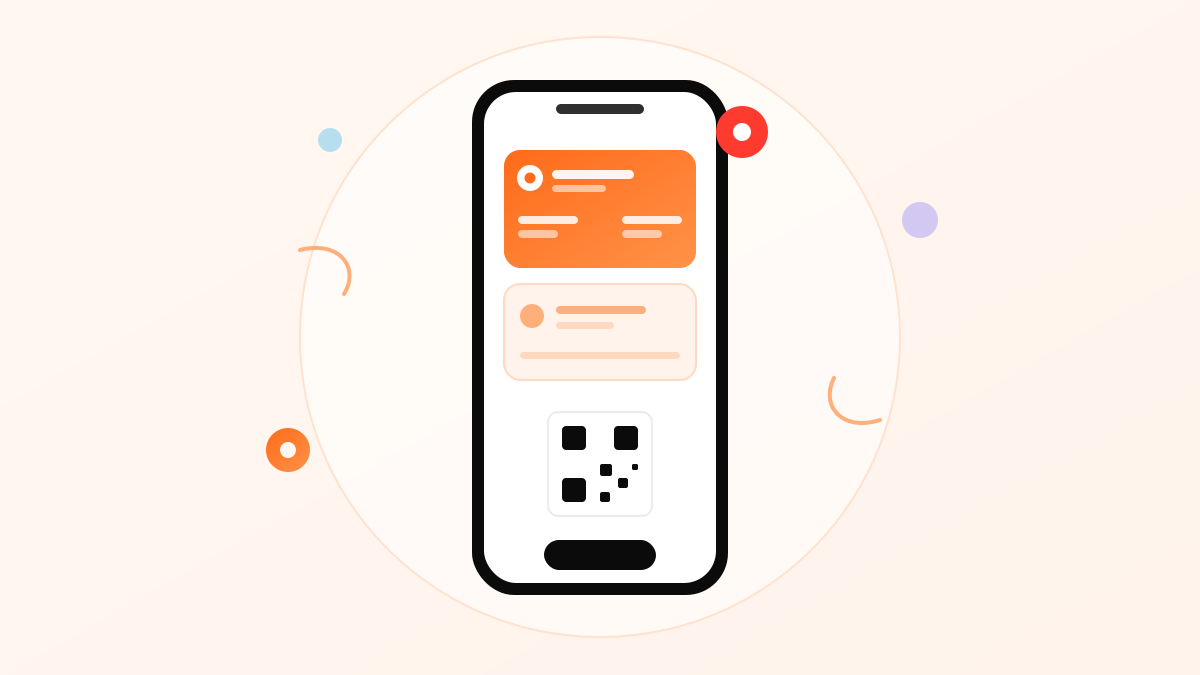
A digital loyalty card is your loyalty program packaged as a wallet pass — the same format as a boarding pass or event ticket — that customers store in Apple Wallet or Google Wallet. It shows your brand, the member's stamps or points, and a barcode your staff scan at the counter. When the balance changes, the card updates itself on the customer's phone.
The crucial word is wallet. This is not "another app" competing for a download and a home-screen slot. Apple Wallet ships pre-installed on every iPhone; Google Wallet is free and ubiquitous on Android — and in Saudi Arabia, where tapping a phone to pay is the default at nearly every counter, opening the wallet is already muscle memory. A digital loyalty card borrows a habit your customers practice several times a day instead of asking them to learn a new one.
If you're still weighing whether you need a loyalty program at all — and which mechanics fit your business — start with our complete guide to customer loyalty programs, and if you are ready to compare types and prices head to loyalty cards for your business. This page is about the card itself: the technology, the economics and the setup.
How wallet cards actually work
The lifecycle has four moments, and each one is simpler than owners expect:
1. Joining: one QR scan
The customer points their camera at a QR code — counter stand, receipt, delivery-bag sticker, Instagram bio. A page opens with a single button: Add to Apple Wallet or Add to Google Wallet, chosen automatically for their phone. Two taps later your branded card sits next to their bank cards. No app store. No password. That is the entire enrollment.
2. Earning: staff scan the card
At checkout the customer opens their wallet — the same motion as paying — and your staff scan the card's code with the merchant app. A stamp or points land on the card instantly, and the customer sees the new balance before they've picked up their order. Because only a staff scan can add a stamp, the self-stamped-with-a-borrowed-pen fraud that plagues paper cards is structurally impossible.
3. Updating: the card rewrites itself
A wallet pass is a live document. When the member's balance changes, when you launch a weekend offer, when their reward becomes ready — the card in their pocket updates. There is no version two to distribute, ever.
4. Returning: the lock screen does the reminding
This is the moment paper can't touch. The card can surface on the lock screen when it's relevant — a reward is one stamp away, a limited offer went live. Your brand reappears at the exact moment a decision about coffee, lunch or a haircut is being made. Done sparingly (more on cadence below), this is the highest-leverage retention channel an independent business can own.
Apple Wallet vs Google Wallet: what's different for a business?
From the owner's chair, almost nothing — and that's the point. A proper platform issues both formats from one card design, detects each customer's phone, and keeps balances synchronized regardless of device. The differences that do exist are worth knowing:
| Apple Wallet | Google Wallet | |
|---|---|---|
| Comes with the phone | Pre-installed on every iPhone | Free; pre-installed on most Android phones sold in KSA |
| Pass format | PKPass standard | Google Wallet passes |
| Lock-screen presence | Notifications + location-aware suggestions | Notifications |
| Restores on new phone | Via Apple account | Via Google account |
| What you must do differently | Nothing — one design, both wallets, handled by the platform | |
Saudi Arabia's phone market splits heavily between iPhones and Android flagships, so supporting only one wallet quietly excludes a large slice of your regulars. Treat dual-wallet support as a requirement, not a feature, when you evaluate any loyalty card format.
Digital vs paper vs plastic vs app: the honest comparison
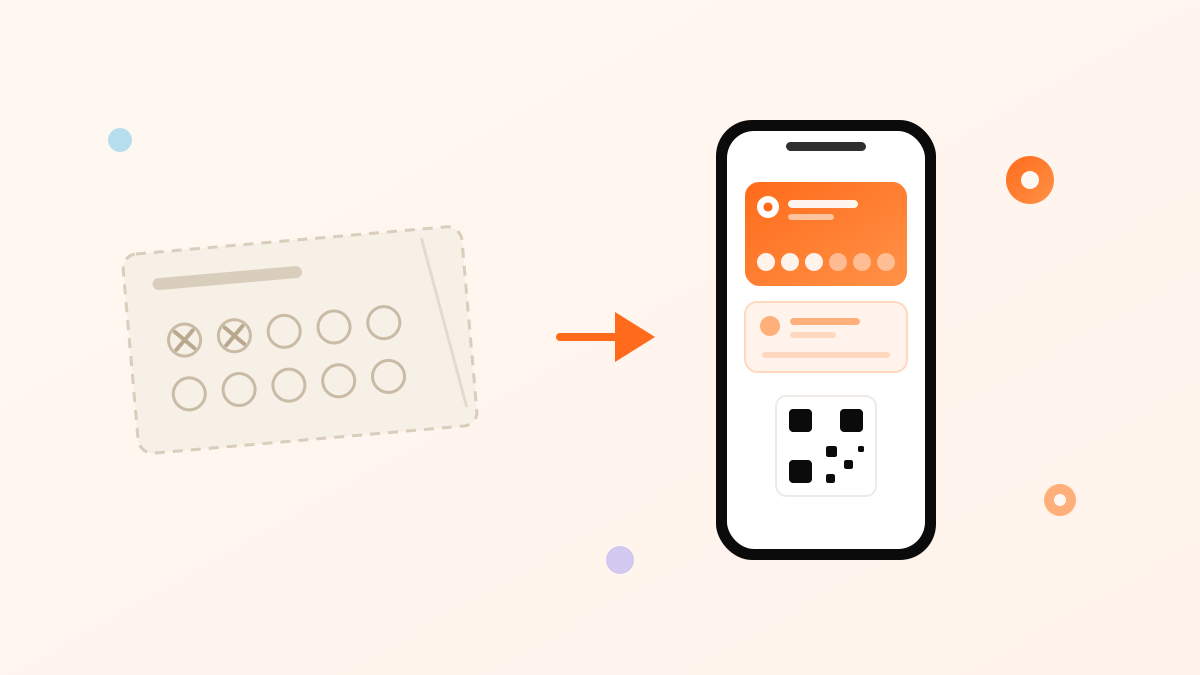
Every format is trying to do the same three jobs: identify the member, hold the balance, and bring them back. Here is how they differ across the card's whole life — and if the format you are replacing is specifically a punch card, the migration is covered step by step on our digital stamp cards page:
- Paper punch cards are free to start and fail everywhere else. They get lost (usually before the last hole), they're trivially forged, they work at one branch only, and the day the customer forgets the card is the day your program taught them it doesn't matter. You also learn nothing — no names, no visit history, no way to reach anyone.
- Plastic cards with a POS number solve durability and add basic tracking, but you pay per card, reprint per redesign, and customers still have to carry them. Most end up in a drawer with the other fourteen loyalty cards.
- A custom app does everything — for the businesses whose customers will download it. Outside the giant chains, they mostly won't: an app is a big ask for a coffee habit, and it's the first thing deleted when storage runs low. Building and maintaining one is also a five-figure commitment before the first stamp.
- Wallet cards take the app's capabilities — live balance, push, analytics, multi-branch — and remove its adoption problem, because the "app" is the wallet the customer already has. The trade-off: you'll pay a modest subscription, and you should treat notification frequency with discipline since the channel is powerful enough to annoy.
What a digital loyalty card costs (in riyals)
Owners usually compare a subscription against "free" paper — but paper is only free until you count reprints, fraud and the regulars it fails to create. The honest comparison over a year looks like this for a single-branch café:
| Format | Year-one outlay | Hidden costs | What you own at year end |
|---|---|---|---|
| Paper punch cards | Printing runs (per 1,000 cards, reprinted as they're lost) | Forged stamps, lost cards, zero data | Nothing — no member list |
| Plastic + POS setup | Cards at several SAR each + setup | Reprints per redesign; cards left at home | A partial member list in the POS |
| Custom app | Tens of thousands SAR to build | Maintenance, app-store updates, uninstalls | An app your regulars may not keep |
| Wallet card platform | Fixed monthly subscription | Reward COGS (you control it) | A reachable member list with visit history |
The line that matters is the last column. Cards and printing are expenses; a member list you can message is an asset that compounds. For the reward side of the budget — how much value to give back and what it truly costs — use the program math section of the loyalty guide, and see Niqati's pricing for the subscription side in actual numbers.
Plans start small enough for a single-branch shop — compare them against one month of printing.
View pricingDesigning a card customers keep
Wallet real estate is personal. Your card sits next to a customer's bank cards and boarding passes, so it needs to look like it belongs there:
- Brand first, promotion second. Logo, brand color, clean typography. A card that looks like a flyer gets deleted like a flyer. Browse the real cards Saudi businesses run on Niqati — the ones that work look like products, not ads.
- Show progress on the front. The stamp count or points balance is the single most useful element — 4 of 5, one coffee to go is a reason to come back that renews itself with every glance.
- Get the Arabic right. Proper Arabic rendering and a name that reads naturally in both scripts matter enormously in this market — a card with broken Arabic typography reads as carelessness at exactly the moment you're asking for loyalty.
- Use the back of the card. Wallet passes have back fields — perfect for opening hours, branch addresses, program rules and your Instagram. Niqati exposes these as editable backfields, which quietly turns the card into a mini storefront.
Push notifications: the channel you finally own
Delivery platforms rent you customers; the wallet card gives you a direct line. Three message types carry most of the value:
- Progress nudges. "One stamp left — your next coffee is free." Sent automatically when a member crosses the threshold, these convert because they're personal, true and perfectly timed.
- Win-back messages. A member who hasn't visited in 30 days gets one gentle reminder — not a discount panic, just presence. Recovering one lapsed weekly regular is worth hundreds of riyals a year (the café retention playbook walks through this math).
- Moment campaigns. Ramadan hours, National Day offers, a new branch, the summer iced menu. Two to four a month, tied to real moments — the Saudi calendar hands you the schedule.
The cadence rule: every notification spends trust to buy a visit. Automated, personally-relevant messages (progress, reward ready) can run freely because members want them; broadcast campaigns should stay rare enough that each one feels like news. If you wouldn't walk to a regular's table to say it, don't push it to their lock screen.
Setting one up with Niqati: an afternoon, honestly
- Create your card. Upload your logo, pick brand colors, write the card name in Arabic and English. Choose stamps — buy 5, the 6th free — or points per riyal.
- Print nothing but the QR. Download your QR kit and place it at the counter, on receipts and on delivery stickers.
- Add it to your own phone first. Scan, join, send yourself a test stamp. If anything feels awkward, fix it before customers see it.
- Brief the team on the one-liner. "امسح الكود وتجمع نقاط — البطاقة تنزل في محفظتك." The counter script matters more than any design decision.
- Go live and watch the dashboard. Sign-ups, scans, redemptions and repeat visits, per branch, from day one. Start free and have the card in your own wallet before dinner.
Privacy: what customers see, what you see
Customers in 2026 read permission screens, and a loyalty card that overreaches gets declined at the counter. The wallet model is naturally light: joining requires no app permissions, no contact-list access and no location tracking by your business. What you see as the merchant is what the program generates — visits, stamps, redemptions and whatever contact details the customer chose to share at sign-up. That's enough to run every play in this guide, and nothing that makes a customer uneasy. Say so on the back of the card; transparency is cheap and it converts the privacy-conscious.
Frequently asked questions
Which phones support digital loyalty cards?
Effectively all of them. iPhones use Apple Wallet (pre-installed), Android phones use Google Wallet (free, widely pre-installed in KSA). One QR scan detects the phone and serves the right format automatically.
Does the card work without internet?
Yes. The pass and its barcode live on the phone and scan fine offline; balances sync when the phone reconnects.
Can customers cheat a digital stamp card like they self-stamp paper ones?
No. Stamps are only added by a staff scan, so every stamp maps to a real, logged transaction. The audit trail alone justifies the switch for many owners.
How exactly do customers add the card?
Scan your QR → tap "Add to Apple Wallet" or "Add to Google Wallet" → done. No app download, no account creation, no form beyond what you choose to ask.
Can I change the design or the reward after launch?
Yes. Changes push to every card already issued — no reprints, no "old card" transition period. It's the single biggest operational difference from plastic and paper.
What about customers without smartphones?
A phone-number lookup covers them: staff find the member and add stamps manually, so no one is excluded — though in the Saudi market this group is now vanishingly small.
Written by the Niqati Team from hands-on experience issuing Apple Wallet and Google Wallet passes for Saudi merchants. Last reviewed ; revised whenever the wallet platforms ship new capabilities.